How CRM Software Helps You Close More Sales and Keep Customers Longer

Nikunj Prajapati
Co-founder, NH InfoSoftMost businesses do not lose customers because their product is weak. They lose them because an enquiry was forgotten, a follow-up came too late, or nobody knew what was promised last time. A CRM is built to stop exactly that.
As co-founder of NH InfoSoft, I have watched many small teams manage hundreds of leads through WhatsApp chats, phone notes and spreadsheets. It works until it does not. This article explains what a CRM does, what to look for, and how to get your team to actually use it.
What Is a CRM?
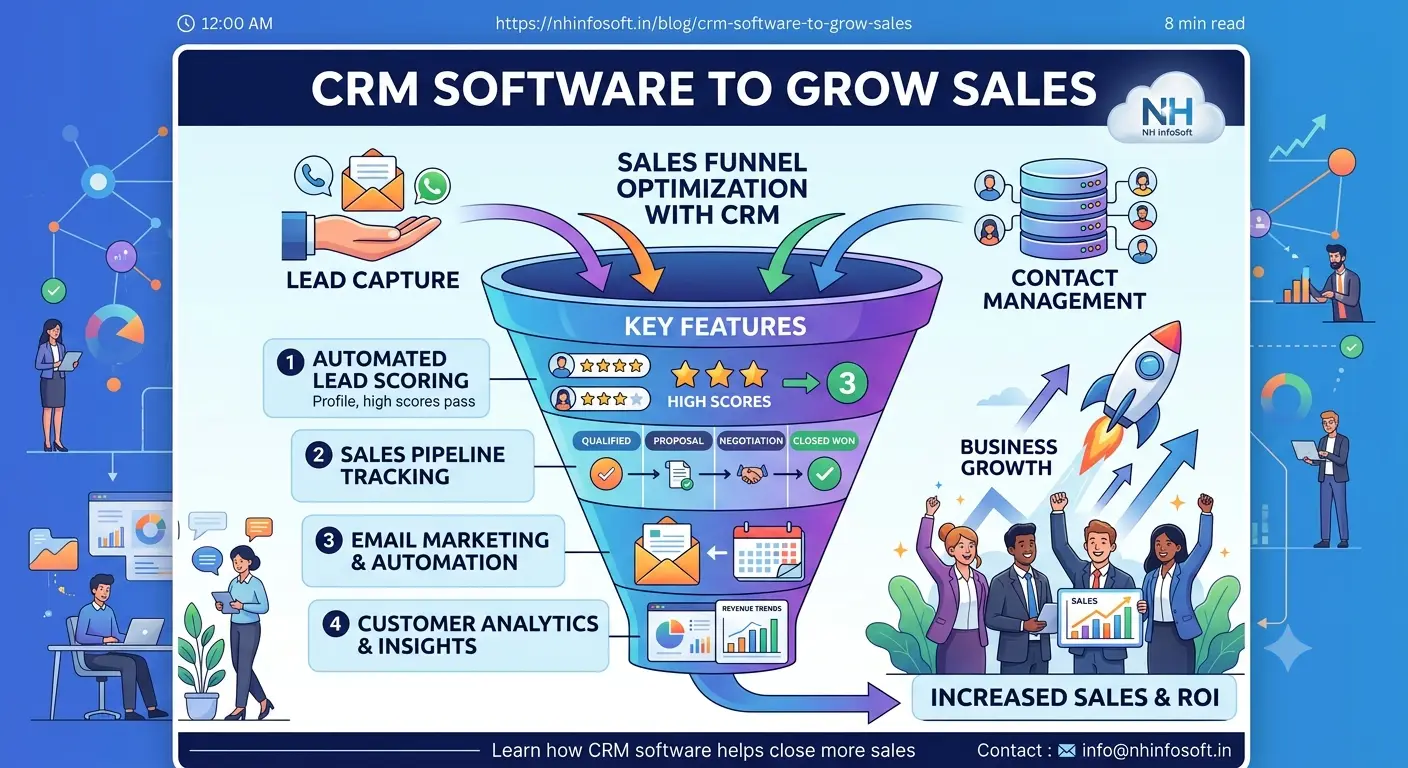
CRM (Customer Relationship Management) software keeps every lead, customer, conversation and deal in one place. Anyone on your team can open a customer record and see the full history: who spoke to them, what was discussed, what was quoted and what happens next.
Five Problems a CRM Solves
Scattered leads
Enquiries from your website, calls, WhatsApp and referrals land in one list.
Missed follow-ups
Automatic reminders make sure no prospect is forgotten.
Unclear pipeline
See which deals are new, in discussion, quoted or won at a glance.
Staff changes
When someone leaves, their customer history stays with the company.
Features Worth Having
- Lead capture from your website contact form straight into the CRM
- Follow-up reminders and task assignment for each salesperson
- Sales pipeline view with stages that match your process
- Quotations and invoices linked to the customer record
- Reports on leads by source, conversion and team performance
- WhatsApp and email integration so communication is recorded automatically
Off-the-Shelf CRM or Custom CRM?
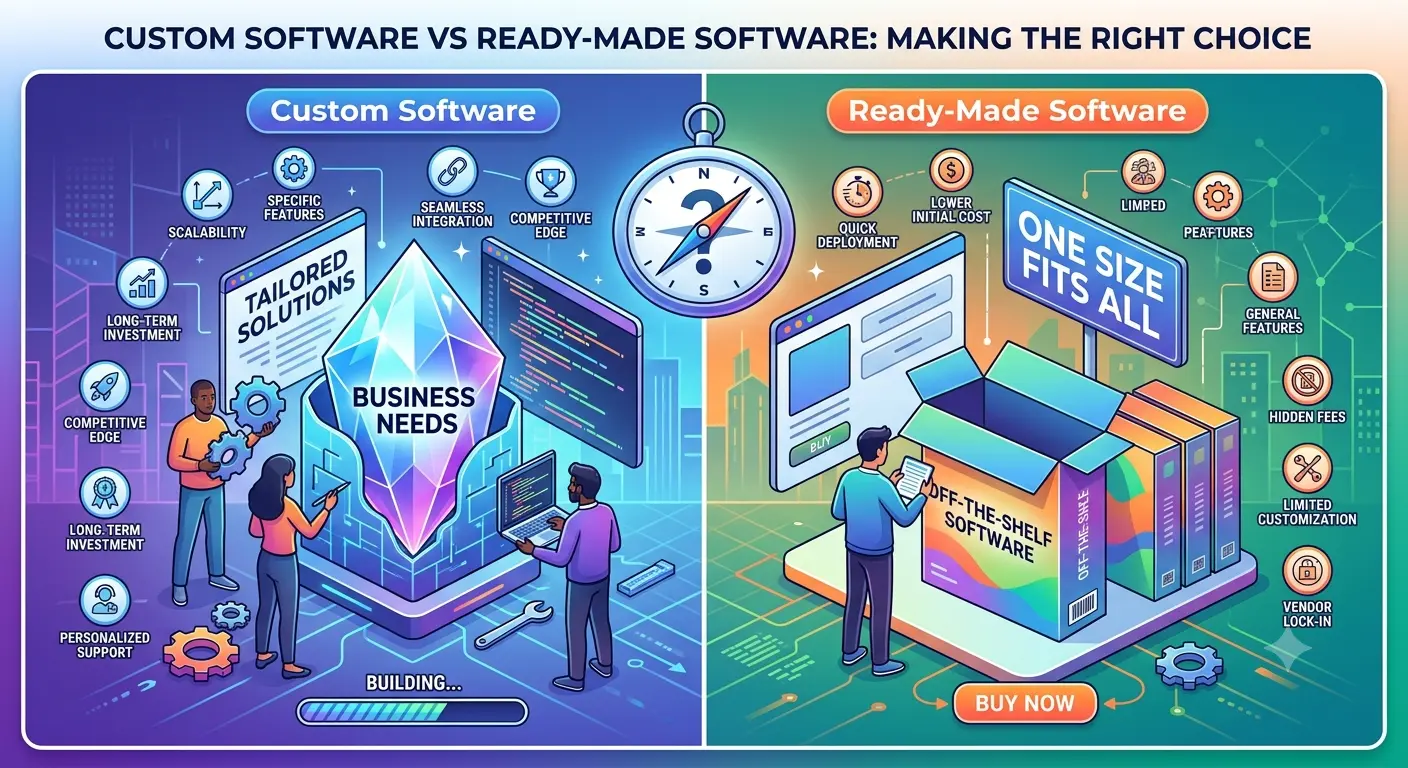
Popular CRM tools are a good start for very small teams. But once you have your own sales stages, approval rules, pricing structure or industry-specific fields, you end up paying for features you do not use while still missing the ones you need. A custom CRM matches your process exactly and can be connected to your ERP, accounting software or website.
How to Get Your Team to Use the CRM
- Keep the screens simple: fewer fields, faster entry
- Make it the only place where follow-ups are tracked
- Train the team with real leads, not demo data
- Review the dashboard together every week
Measuring the Results
Track a few numbers before and after: how many enquiries you receive, how many are followed up within a day, how many turn into quotations, and how many close. You do not need advanced analytics. Simply seeing where leads drop off tells you what to fix first.
Frequently Asked Questions
Is a CRM useful for a small business?
Yes. Small teams benefit quickly because a CRM replaces scattered notes and memory with a shared, organized record.
Can a CRM connect with my website?
Yes. Website enquiry forms can feed directly into your CRM so every lead is captured automatically.
What is the difference between CRM and ERP?
A CRM manages leads, customers and sales activity. An ERP manages internal operations such as inventory, accounts and purchasing. Many businesses use both together.
Want a CRM that fits how your team sells?
Let's discuss a custom CRM for your business. Call +91 9106082921 or email info@nhinfosoft.in, or send us your requirement.